Taxes calculated at checkout. Free shipping in the contiguous 48 states.
Free shipping in the contiguous 48 states
Phone required for delivery scheduling only
U.S. support path
2-year warranty
60-day return policy
Battery & charger help
How do I charge my Anywell?
Charge with the battery fitted to the device, or charge a removable battery indoors. Use the original charger matched to your battery configuration.
1. Charge on the device
Concept illustration — not the actual connector or battery shape.
Switch the device off. Keep the battery fitted and place the device in a dry, ventilated location.
Use the original charger matched to this battery. Connect it to the device’s designated charging connection; do not force the plug.
Connect the charger to the wall supply to charge. Unplug it from the wall before disconnecting it from the device.
2. Remove the battery and charge indoors
For removable battery configurations only.
Concept illustration — not the actual connector or battery shape.
Switch the device off and unplug and disconnect the charger before removing the battery.
Remove the battery using the device’s release method. Place it in a dry, ventilated indoor location.
Connect the original matching charger to the battery’s designated charging connection, then to the wall supply. Unplug from the wall before disconnecting or refitting the battery.
Use only the original matching charger. Keep the battery, charger and connections dry, leave ventilation clear, and keep charging away from heat and flammable materials. If you are unsure about the connection or release method, contact support.
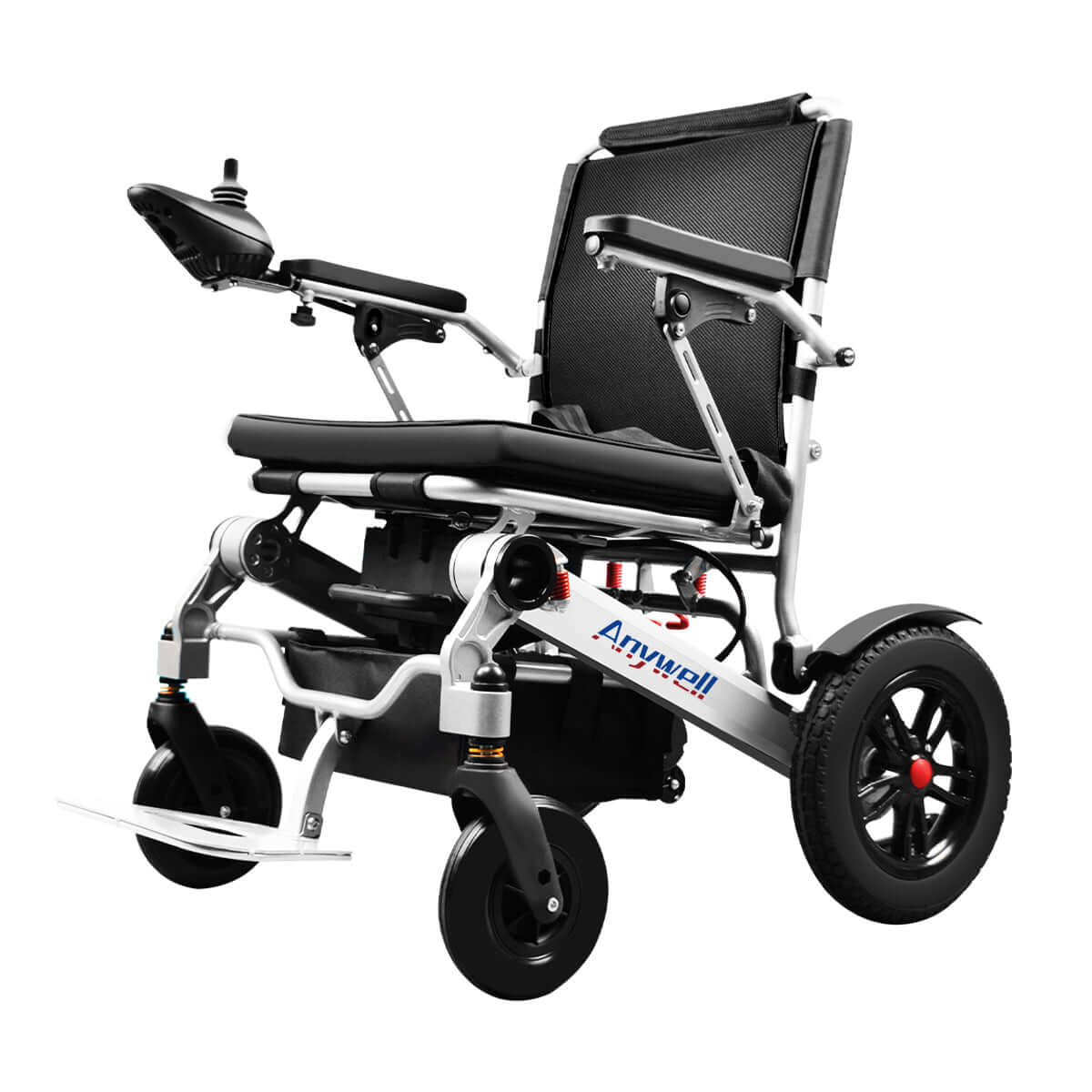
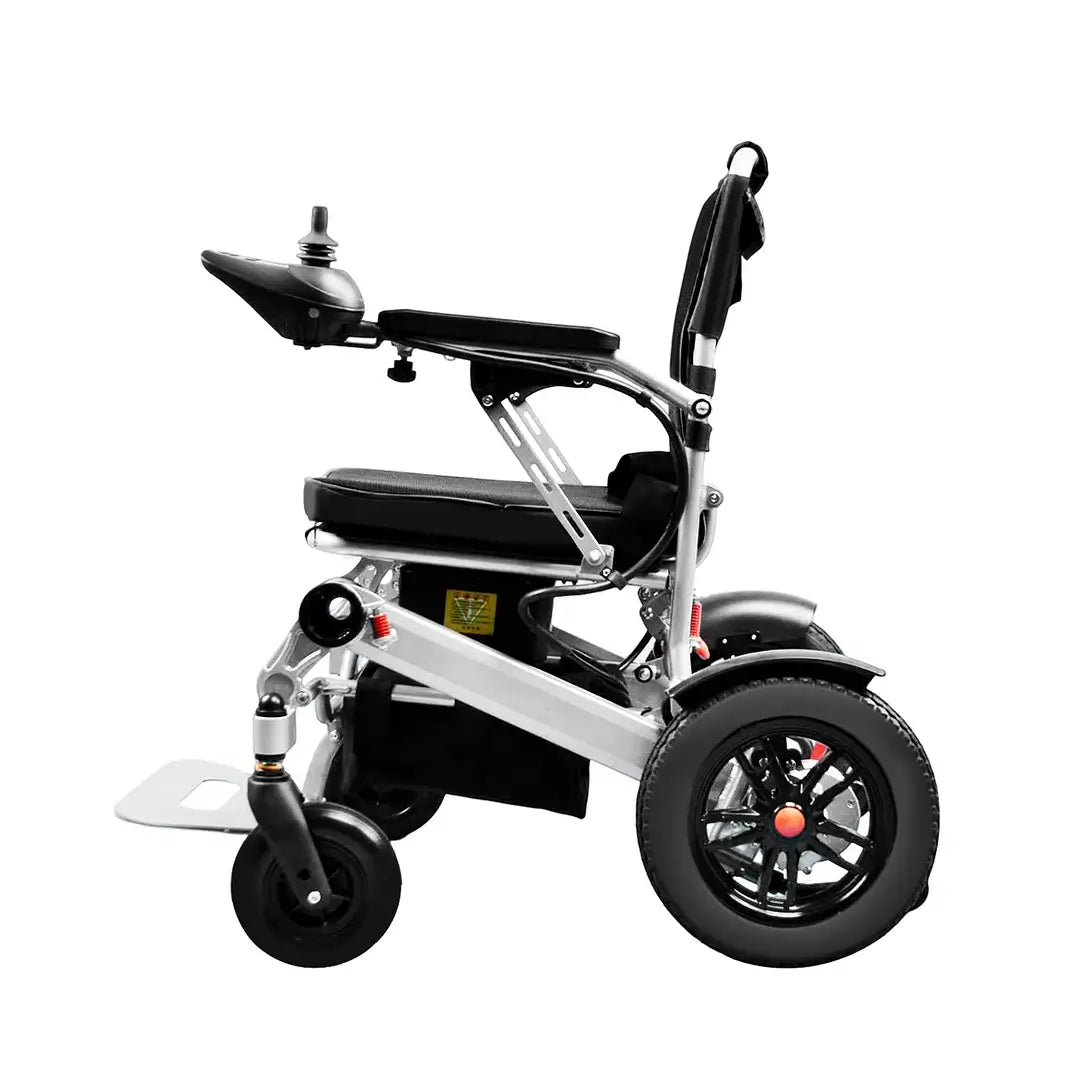
X-024 Product photo for identification only; it does not show the charging port or battery release.
Choose your model
YS16-1 MAX · 12Ah
Use the two charging options above. Off-device charging applies only to a removable battery configuration. Match the model and battery on your own device before disconnecting anything.
Match the battery version on your own product; a current shop listing may differ from an earlier purchase.
For a removable battery configuration, switch the device off, unplug the charger from the wall, and disconnect it before removing the battery. Follow your device’s release method; do not force a fixed battery or unfamiliar connection.
No light, unusual light, or not charging?
Stop charging if the battery or charger is damaged, unusually hot, or gives off an unusual smell. If it does not charge or an indicator is unfamiliar, contact support; do not guess the light meaning or substitute a charger.
YS16-1 MAX · 20Ah
Use the two charging options above. Off-device charging applies only to a removable battery configuration. Match the model and battery on your own device before disconnecting anything.
Match the battery version on your own product; a current shop listing may differ from an earlier purchase.
For a removable battery configuration, switch the device off, unplug the charger from the wall, and disconnect it before removing the battery. Follow your device’s release method; do not force a fixed battery or unfamiliar connection.
No light, unusual light, or not charging?
Stop charging if the battery or charger is damaged, unusually hot, or gives off an unusual smell. If it does not charge or an indicator is unfamiliar, contact support; do not guess the light meaning or substitute a charger.
YS12-15 PLUS
Use the two charging options above. Off-device charging applies only to a removable battery configuration. Match the model and battery on your own device before disconnecting anything.
Match the battery version on your own product; a current shop listing may differ from an earlier purchase.
For a removable battery configuration, switch the device off, unplug the charger from the wall, and disconnect it before removing the battery. Follow your device’s release method; do not force a fixed battery or unfamiliar connection.
No light, unusual light, or not charging?
Stop charging if the battery or charger is damaged, unusually hot, or gives off an unusual smell. If it does not charge or an indicator is unfamiliar, contact support; do not guess the light meaning or substitute a charger.
X-024
Use the two charging options above. Off-device charging applies only to a removable battery configuration. Match the model and battery on your own device before disconnecting anything.
Match the battery version on your own product; a current shop listing may differ from an earlier purchase.
For a removable battery configuration, switch the device off, unplug the charger from the wall, and disconnect it before removing the battery. Follow your device’s release method; do not force a fixed battery or unfamiliar connection.
No light, unusual light, or not charging?
Stop charging if the battery or charger is damaged, unusually hot, or gives off an unusual smell. If it does not charge or an indicator is unfamiliar, contact support; do not guess the light meaning or substitute a charger.
YA12-5
Use the two charging options above. Off-device charging applies only to a removable battery configuration. Match the model and battery on your own device before disconnecting anything.
Match the battery version on your own product; a current shop listing may differ from an earlier purchase.
For a removable battery configuration, switch the device off, unplug the charger from the wall, and disconnect it before removing the battery. Follow your device’s release method; do not force a fixed battery or unfamiliar connection.
No light, unusual light, or not charging?
Stop charging if the battery or charger is damaged, unusually hot, or gives off an unusual smell. If it does not charge or an indicator is unfamiliar, contact support; do not guess the light meaning or substitute a charger.
Not sure which model or battery you have?
Check the model and battery version on the product label or order details. If you are unsure about battery removal or the matching charger, contact Anywell support.
Have your model name, battery version and charger label ready. Describe the indicator light and what happened. Share photos only through the official support channel.